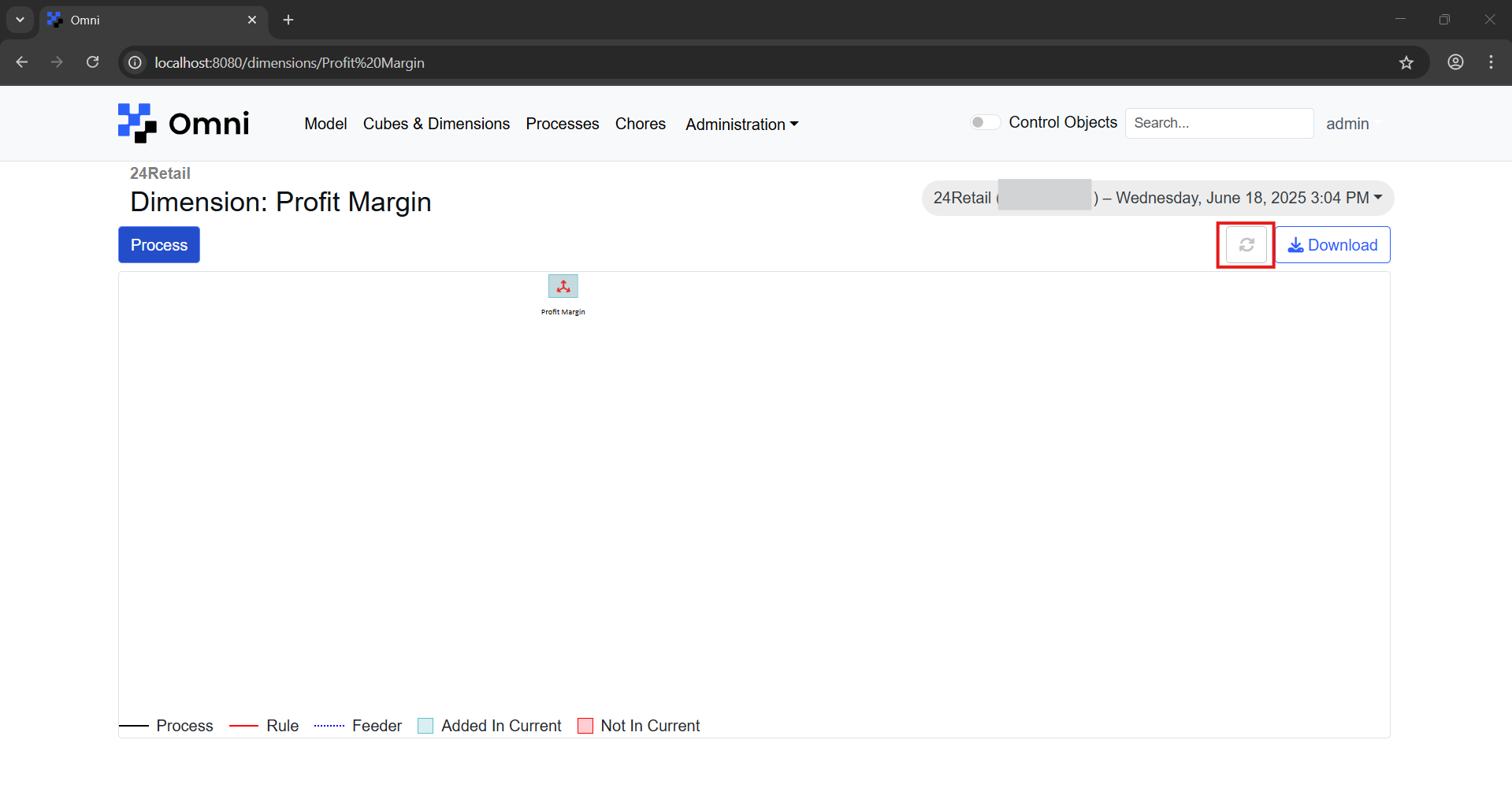
6️⃣ Compare Function
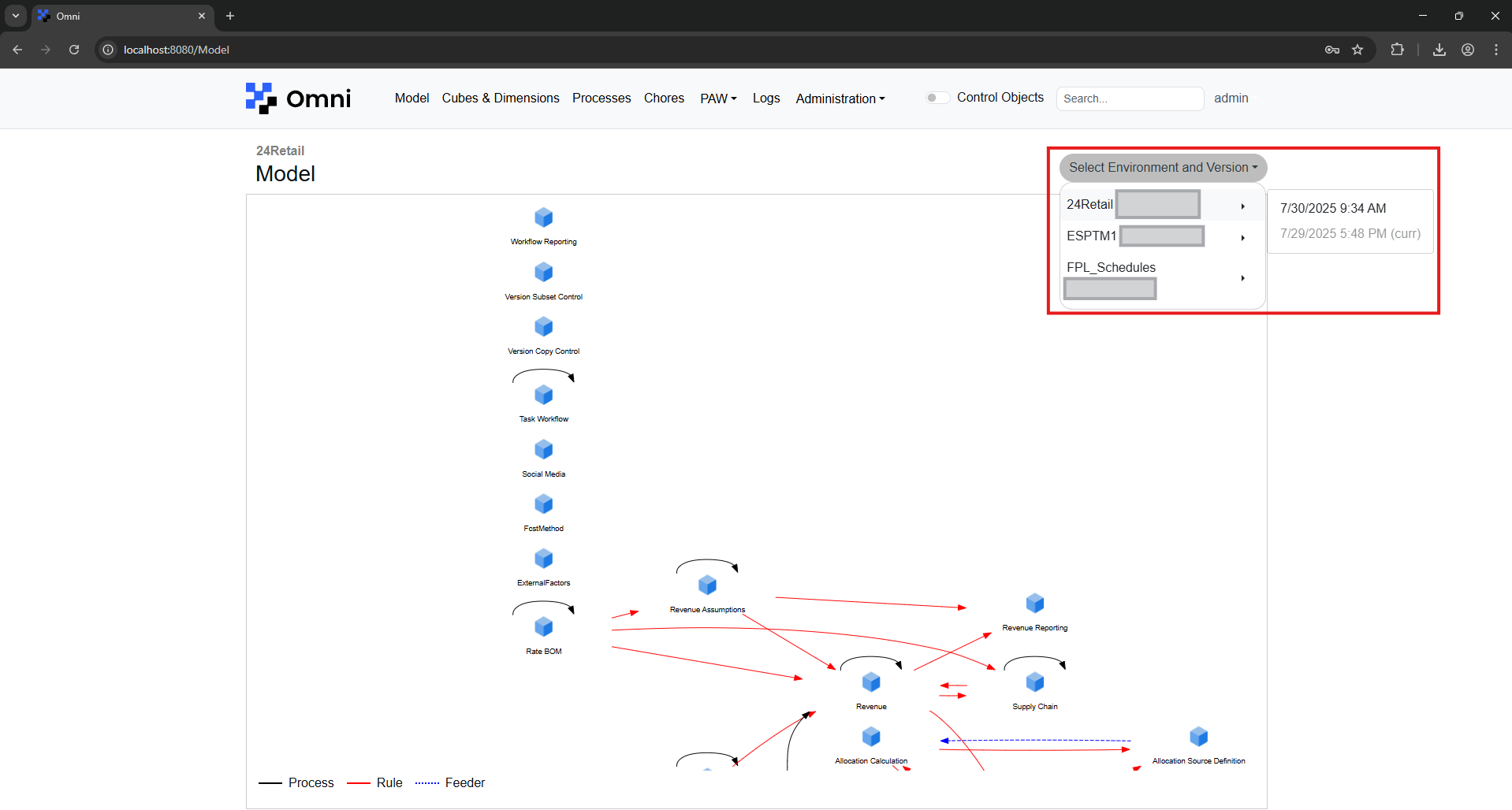
Comparing Models
Click on the dropdown and select the version that you would like to compare against.
After which, differences between the two instances will be reflected as show below.
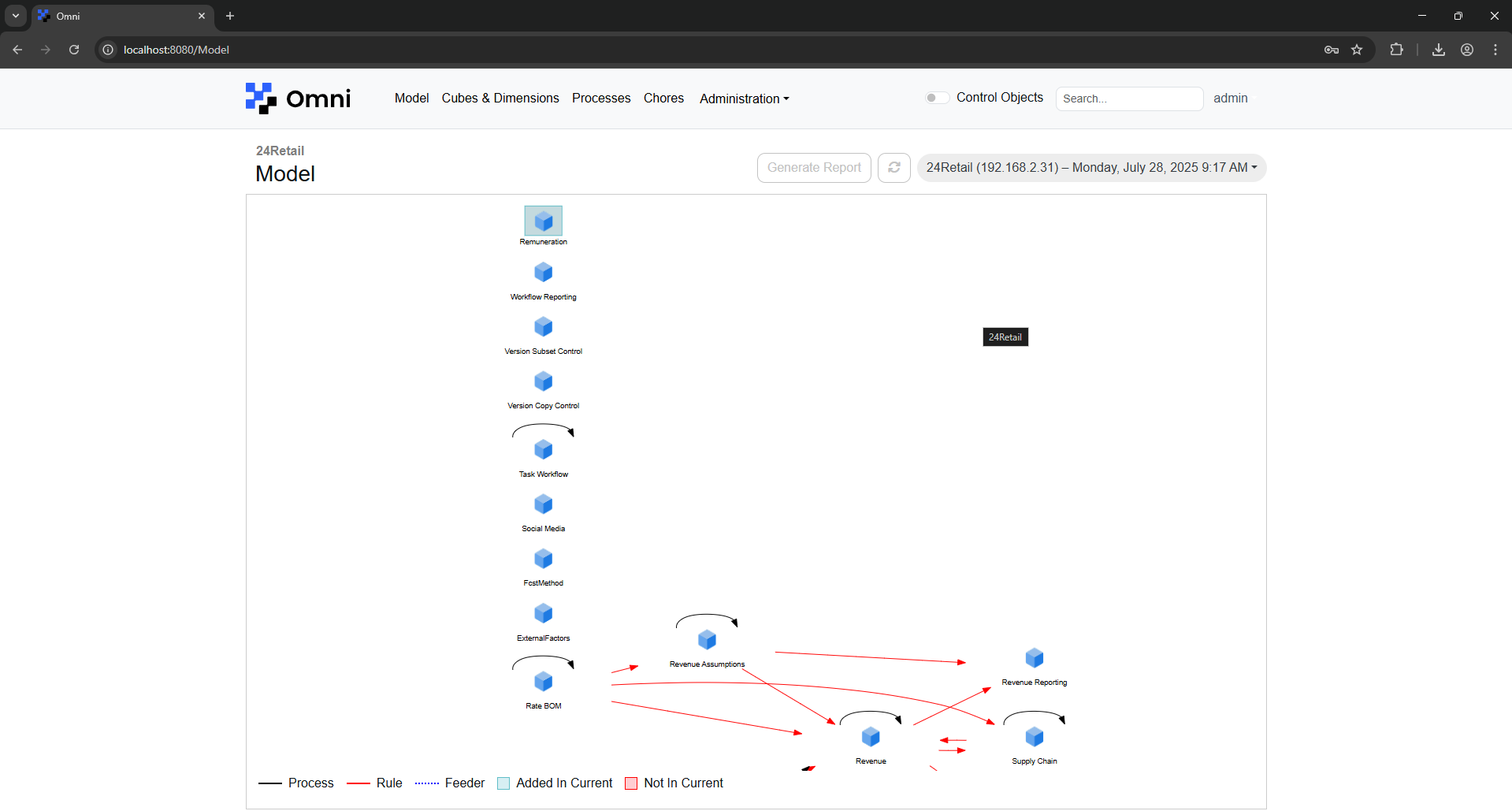
Clicking on the 'Generate Report' button will generate a .csv file highlighting the differences between the two instances.
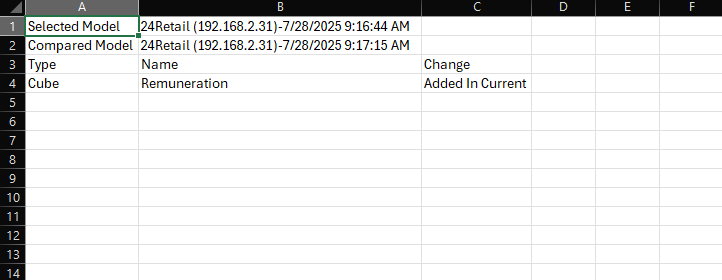
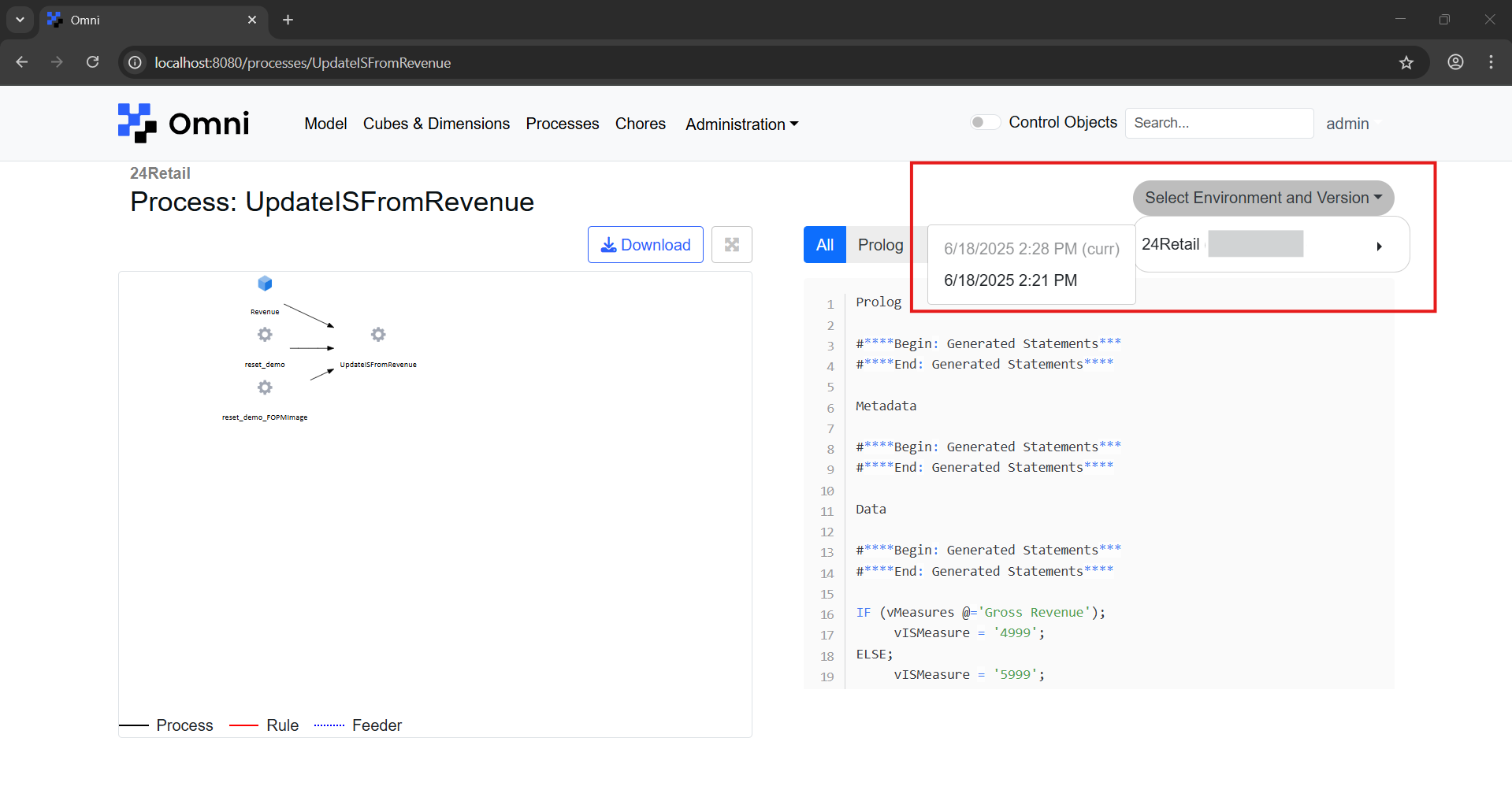
Comparing Processes
Click on the dropdown and select the version that you would like to compare against.
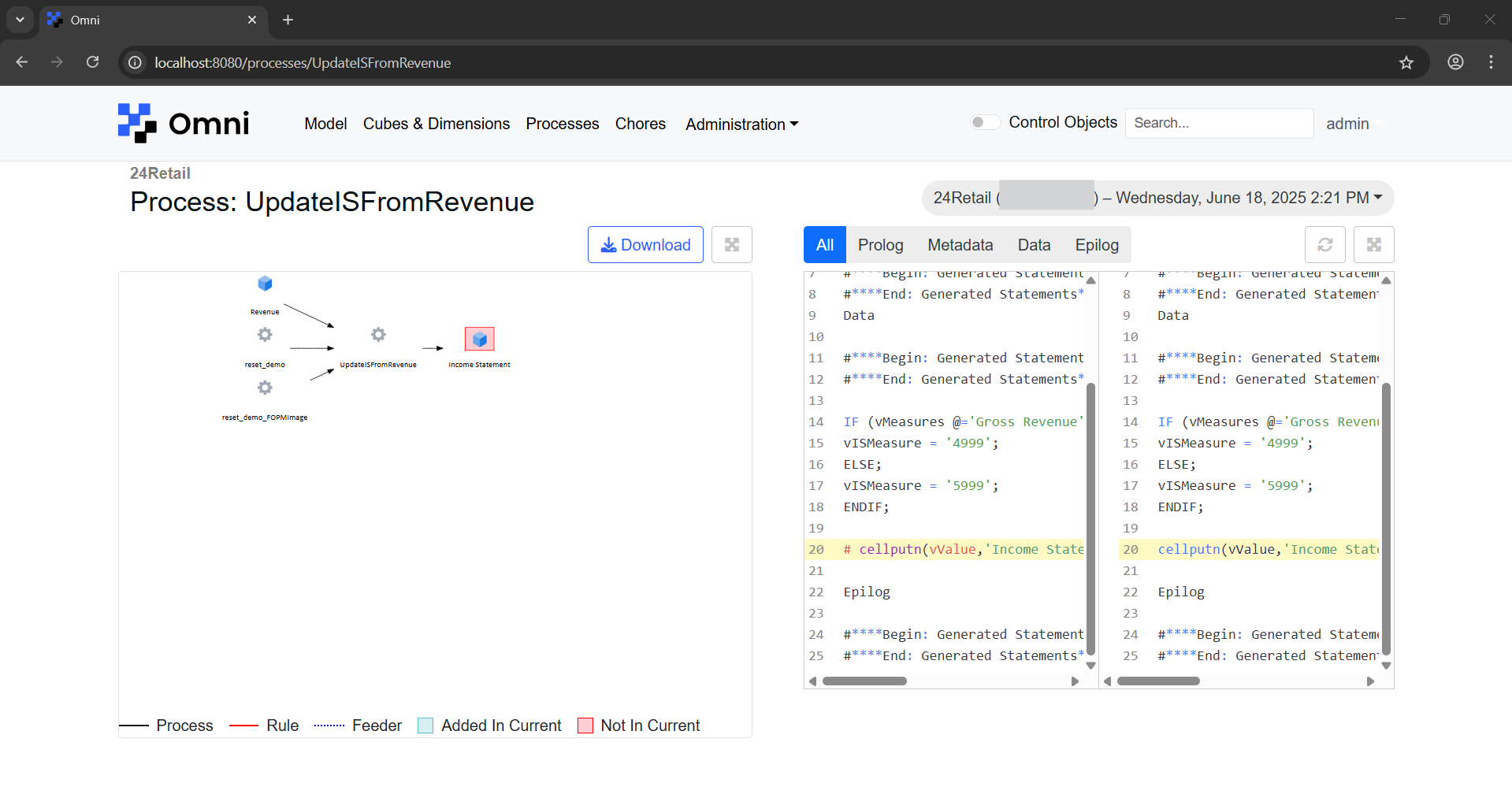
After which, differences will be reflected in the process model and overview as shown below.
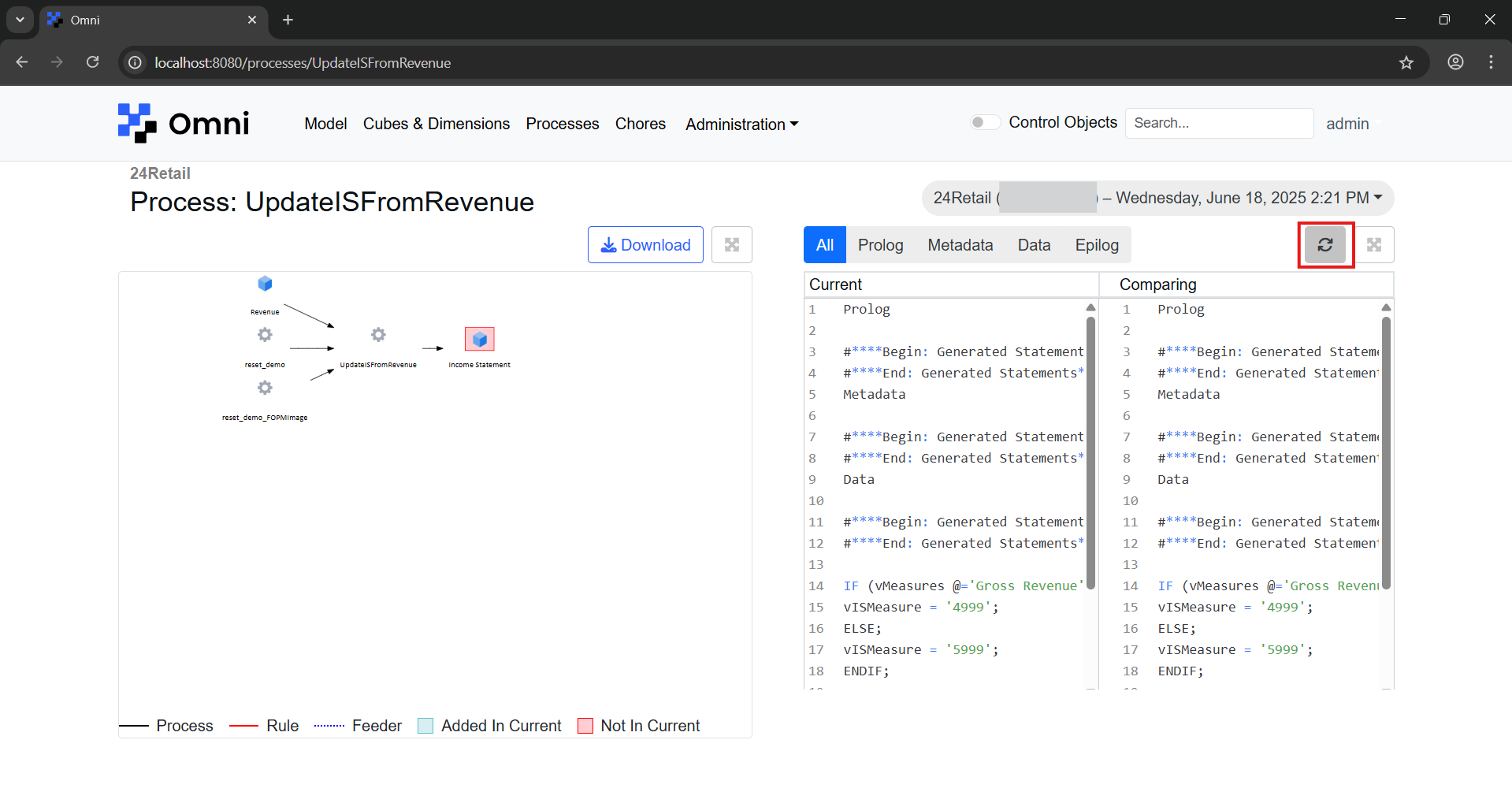
To go back to the previous view, click on the reset button.
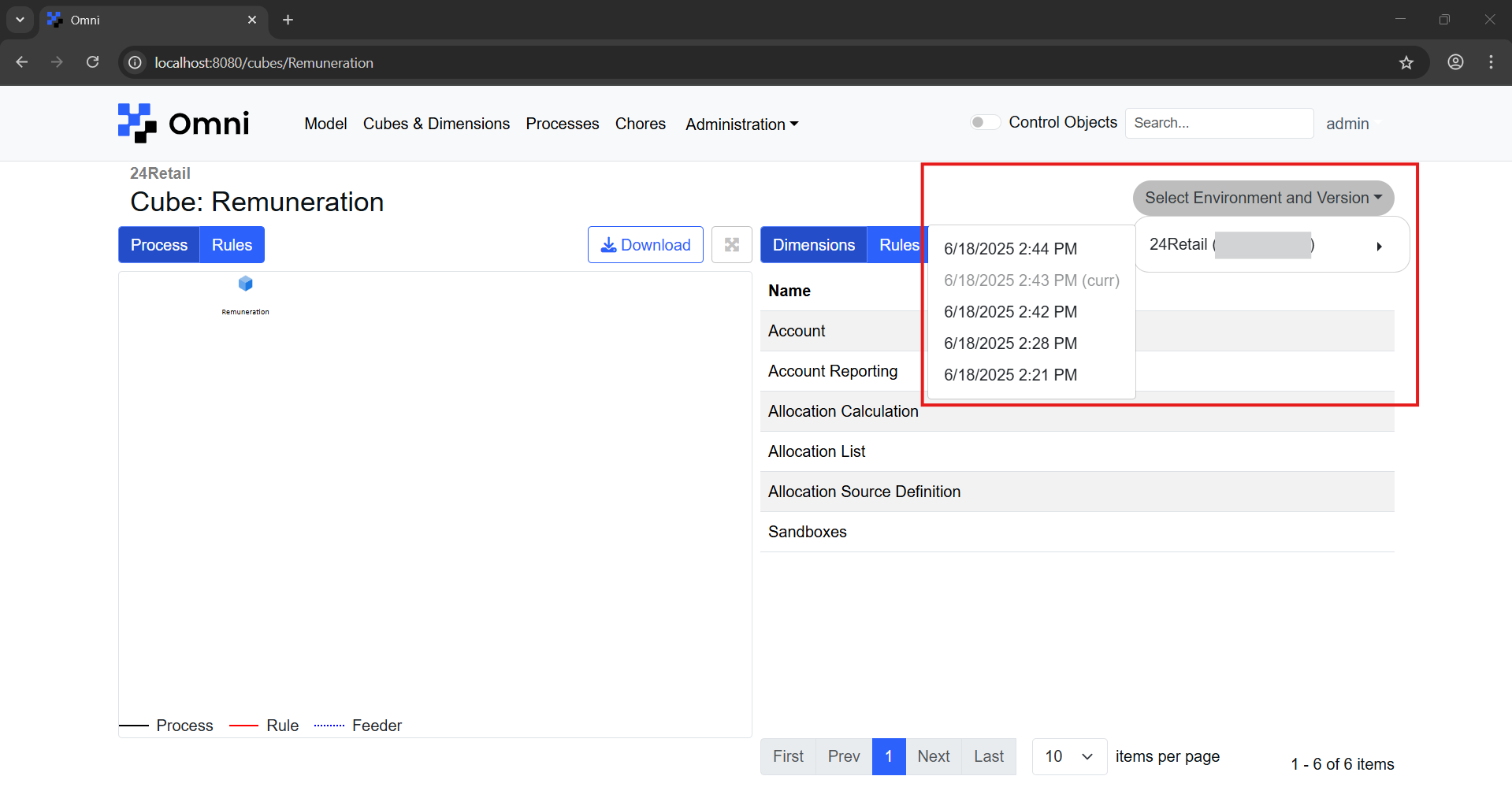
Comparing Cubes
Click on the dropdown and select the version that you would like to compare against.
After which, differences will be reflected in the cube model and overview as shown below.
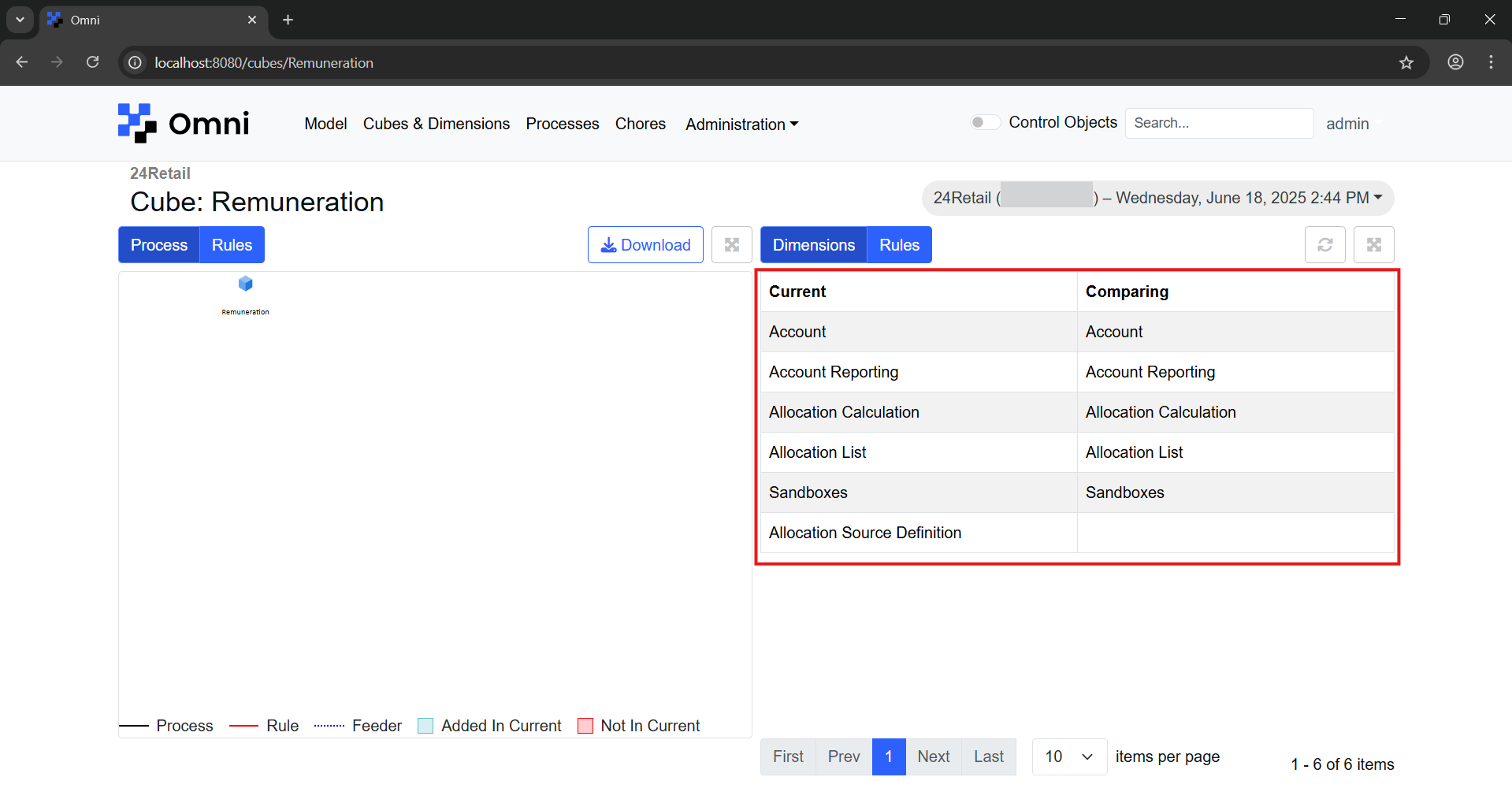
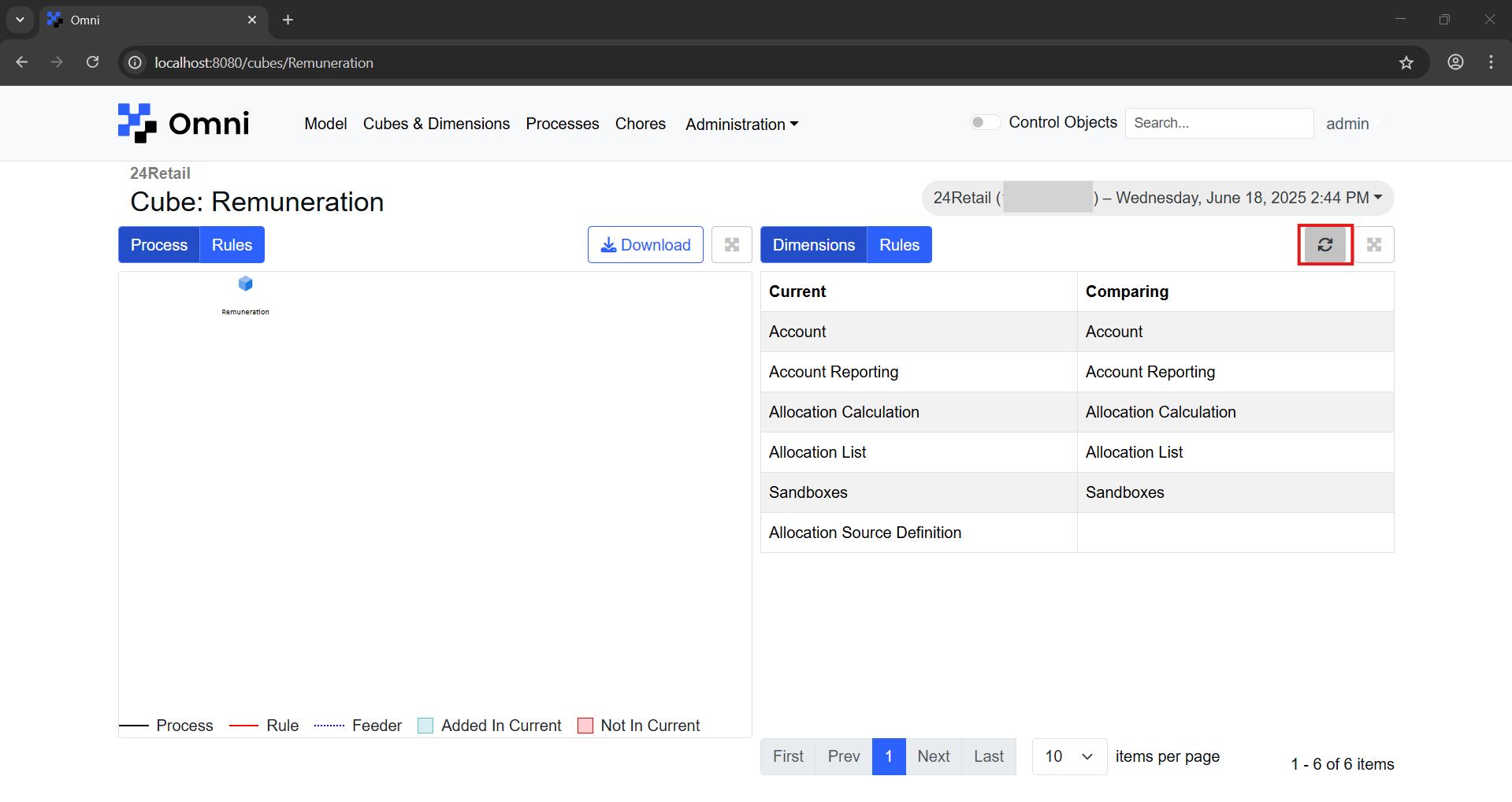
To go back to the previous view, click on the reset button.
Comparing Dimensions
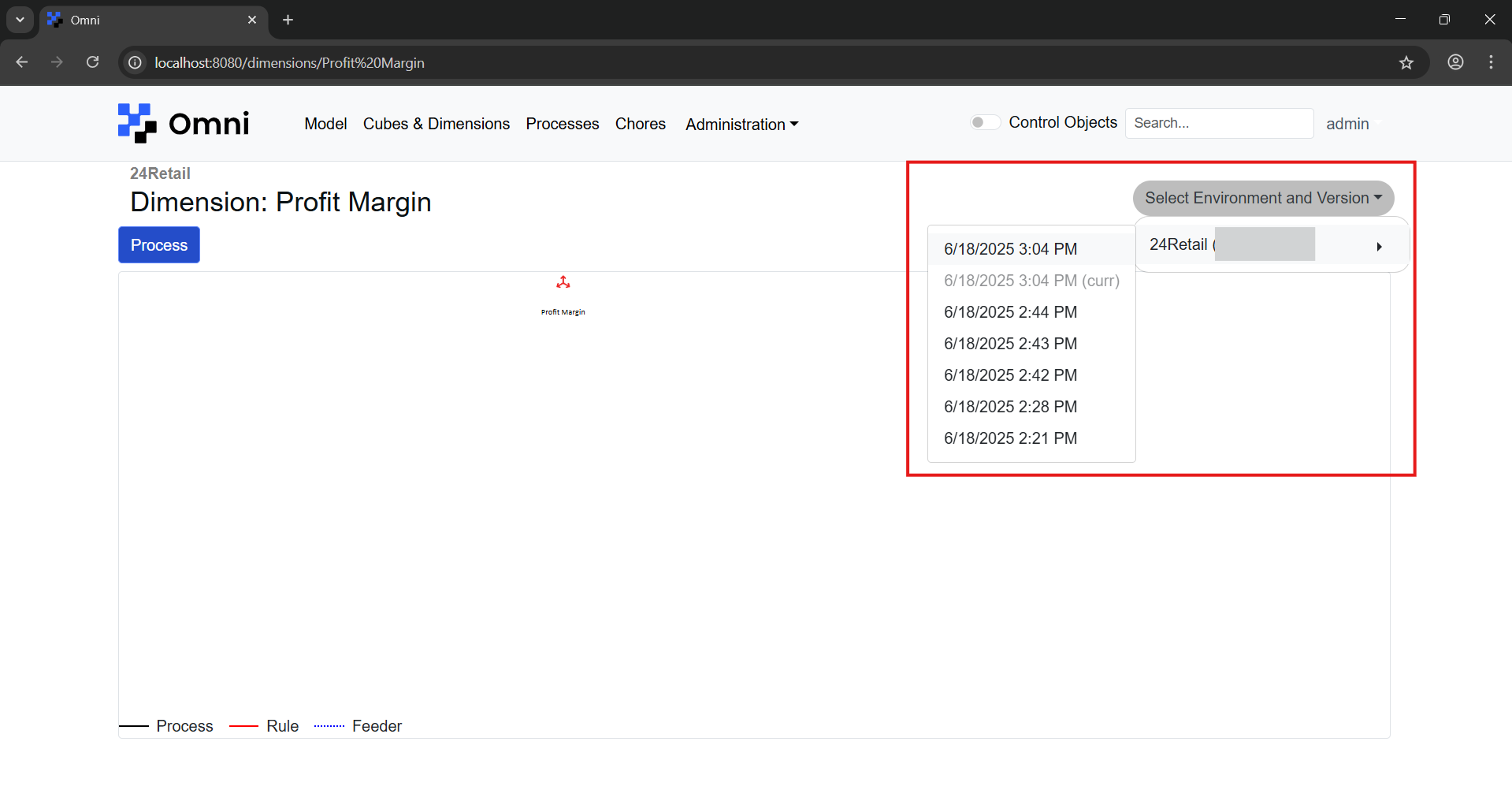
Click on the dropdown and select the version that you would like to compare against.
After which, differences will be reflected in the dimensions model view as shown below.
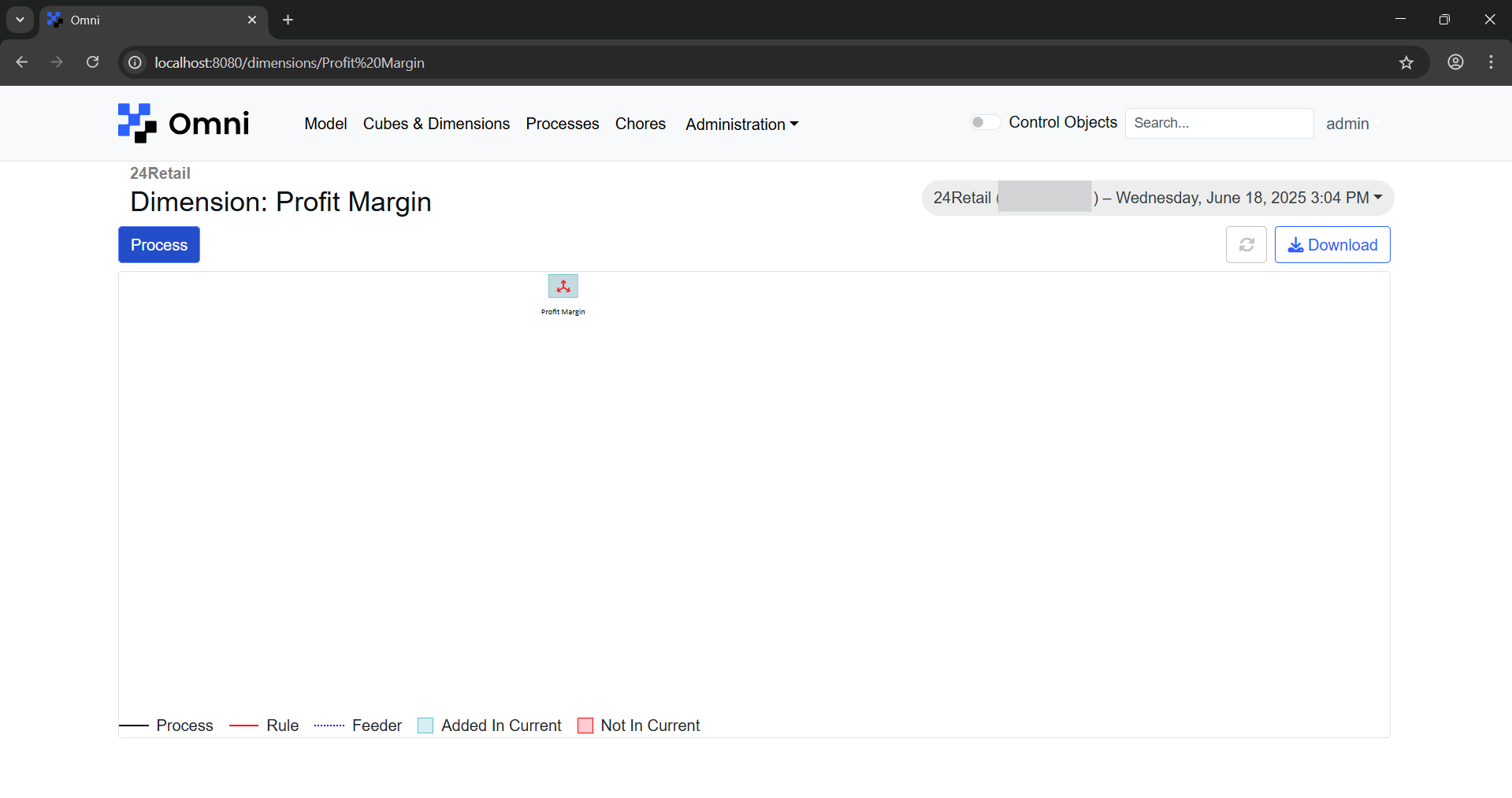
To go back to the previous view, click on the reset button.