Viewing Server Logs with Image Guide
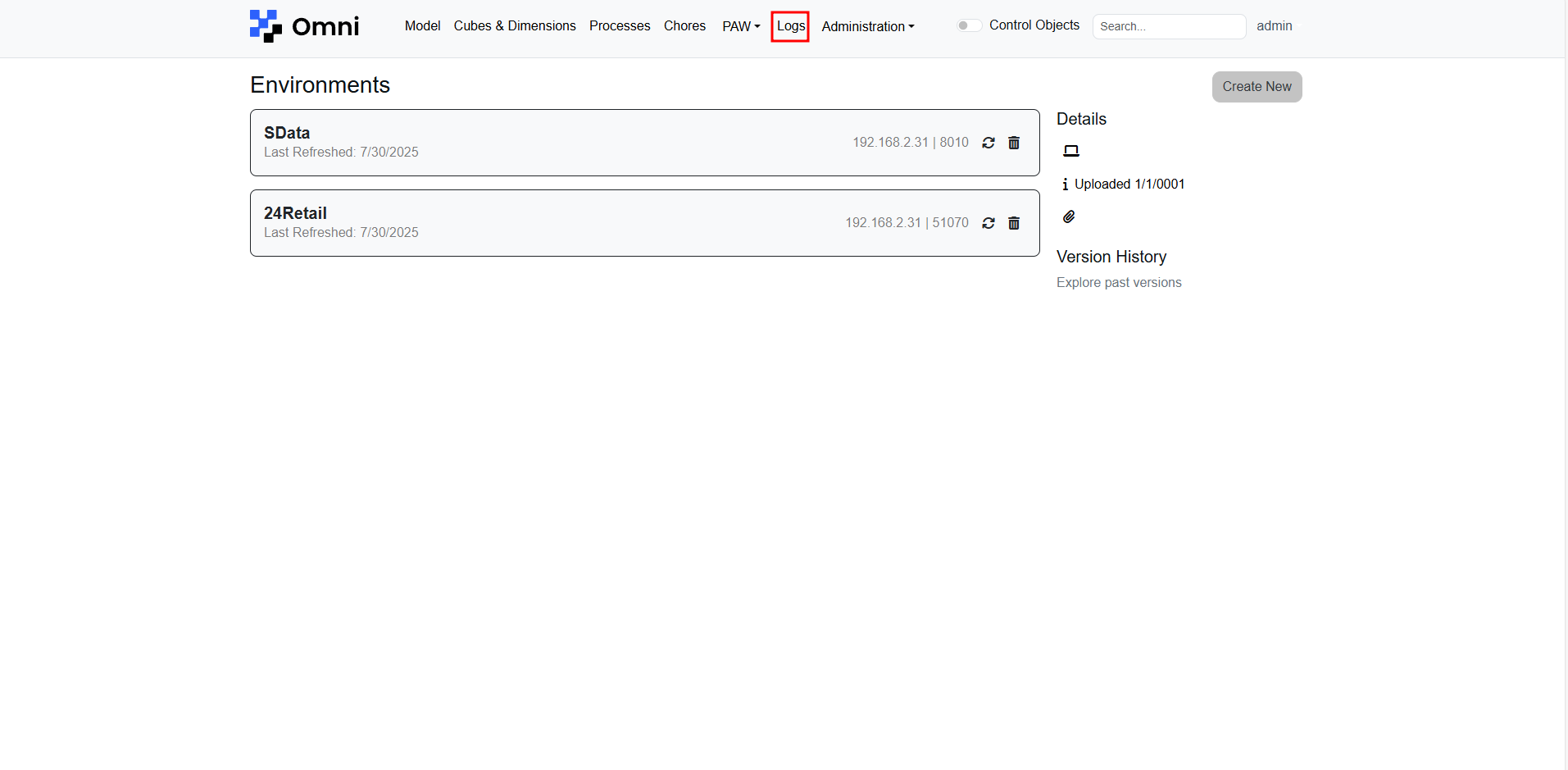
Viewing server logs is crucial for monitoring and troubleshooting. Click the Logs Button on the navigation menu.
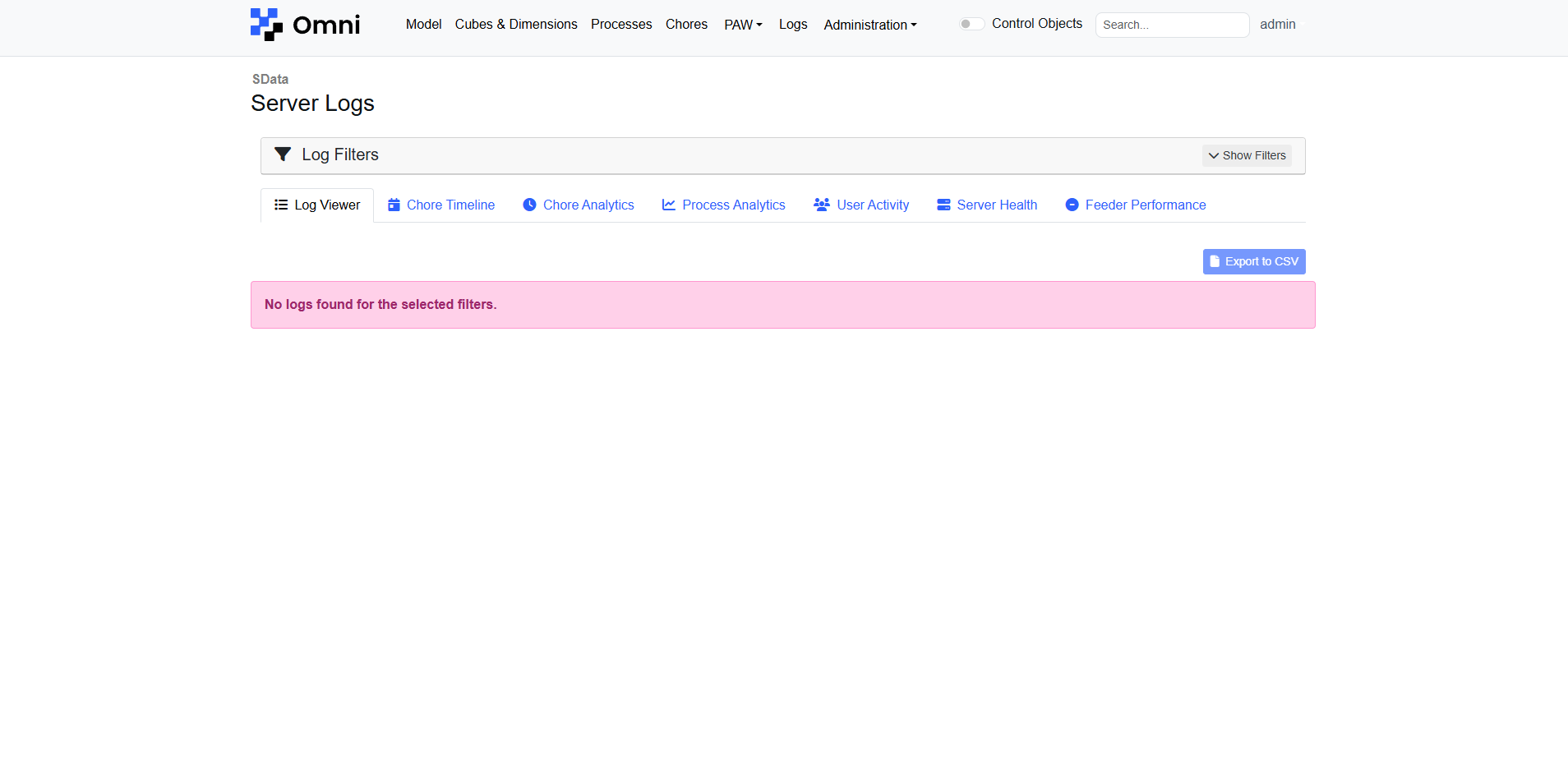
Click the 'Show Filters' button to expand the filters selection.
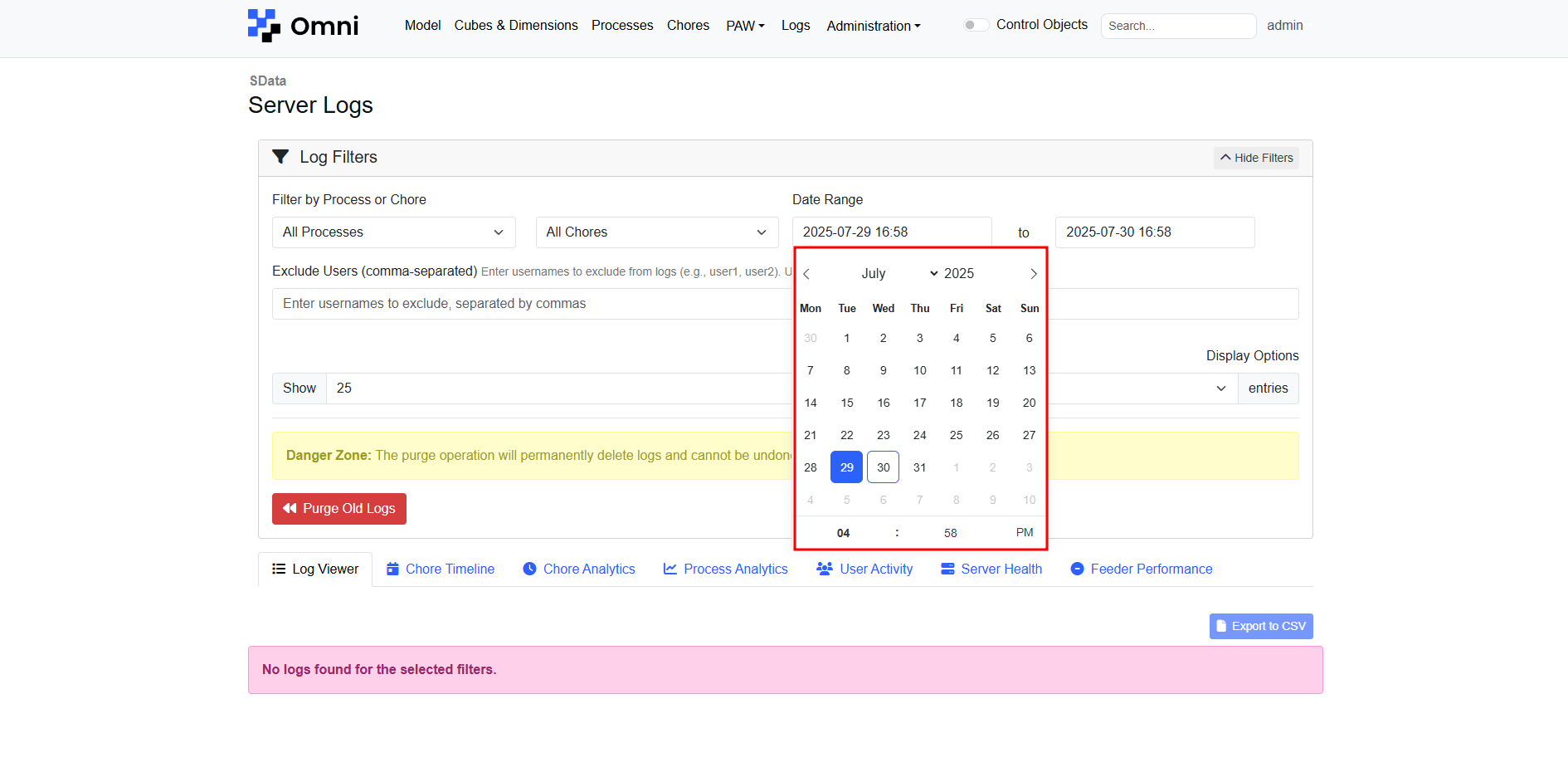
Changing Date Range
When changing a date in the date range, you must click on the day itself, instead of just changing the month or year.
Use these filters if you would like to see the logs involving specific chores or processes

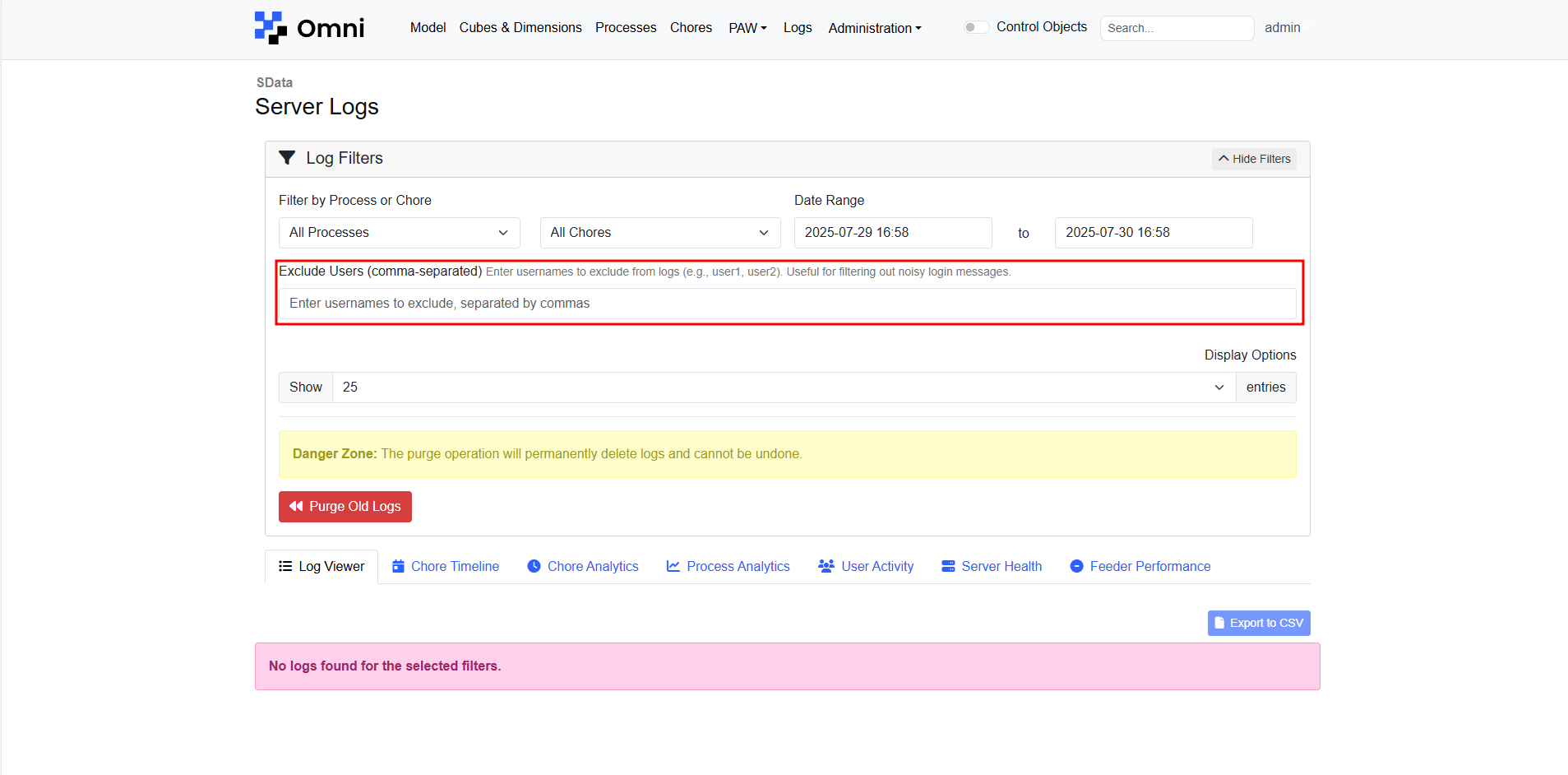
To exclude log messages involving specific users, key in their usernames here. This is useful for removing login messages made by service or admin accounts.